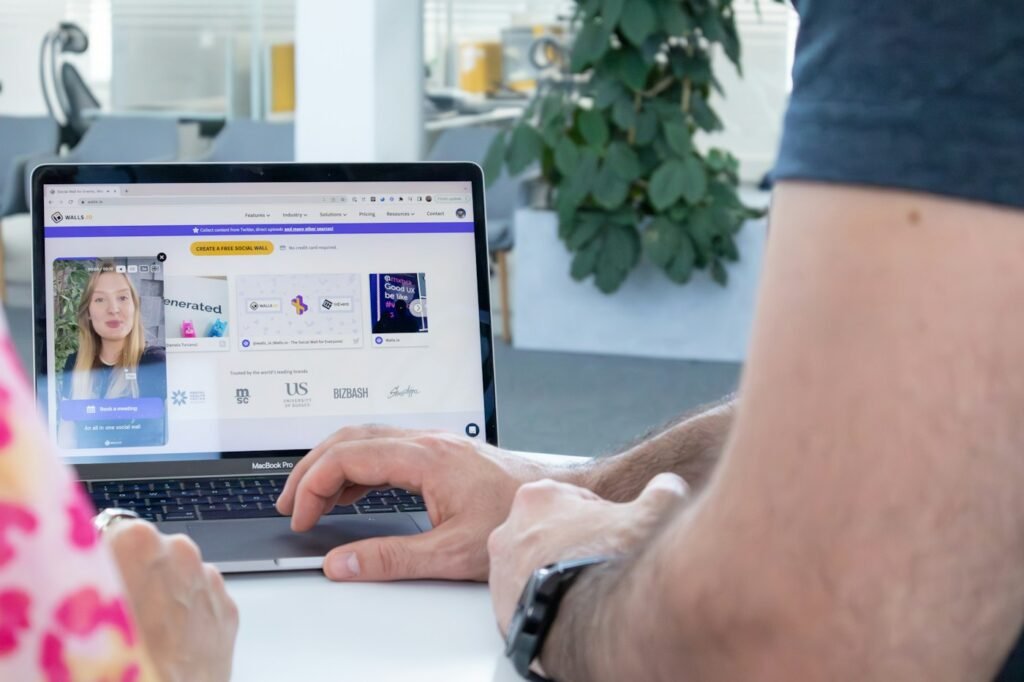
What changes when a signing moves online?
Remote online notarization generally refers to a notarization conducted using a live audio-video connection and an electronic document. It can reduce travel and make scheduling easier, but it still involves a notary, identity verification, and the required notarial act. Sending a signed scan by email or clicking an electronic signature button alone is not the same process.
This article explains the process generally. Availability, document eligibility, signer location, platform requirements, and recipient acceptance must be confirmed for your appointment. It does not promise that every document can be notarized online.
Illinois distinguishes different remote methods
Illinois has separate provisions for electronic notarization and remote notarization involving paper documents. The requirements are not interchangeable. Electronic notarization requires the appropriate electronic notary commission and approved technology; the Illinois Secretary of State provides information about these commissions and resources.
For electronic acts using audio-video communication, Illinois law addresses identity verification, a real-time recorded session, and an electronic certificate with the notary's electronic signature and seal. The notary must be physically in Illinois. Signer location and other conditions should be checked for the specific transaction. See Section 6A-103 and the Illinois Notary Public Act.
A typical online appointment
After the appointment is confirmed, the platform supplies instructions for accessing the session and completing its identity steps. You meet the notary live, review the document, and follow the required signing and notarial procedure. The completed electronic document is then delivered through the agreed process. Exact steps vary by platform and document.
Read the platform's recording, privacy, and document-delivery notices before starting. Ask how you will obtain your completed file and whether any recipient requires the original electronic version. Printing a digital file may not preserve every feature that the receiving organization expects.
Get your technology ready
- Use a supported device with a working camera and microphone.
- Test your internet connection and find a quiet, well-lit space.
- Have the identification required by the platform available.
- Read the document in advance and ask legal questions before the session.
- Confirm how additional signers or witnesses will join.
Keep passwords, verification codes, and identification information within the approved process. You do not need to upload identification or confidential documents through this website's appointment inquiry form. Start with a brief description of your request, and confirm the appropriate next step with Tanya Renee Notary.
General information only; this article does not provide legal or financial advice. For guidance about your document or transaction, consult a qualified professional.
Explore All Articles →